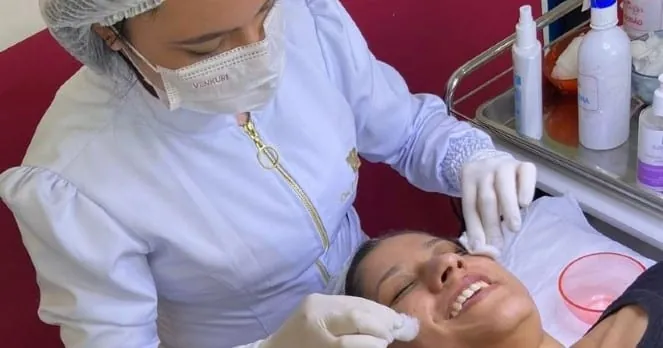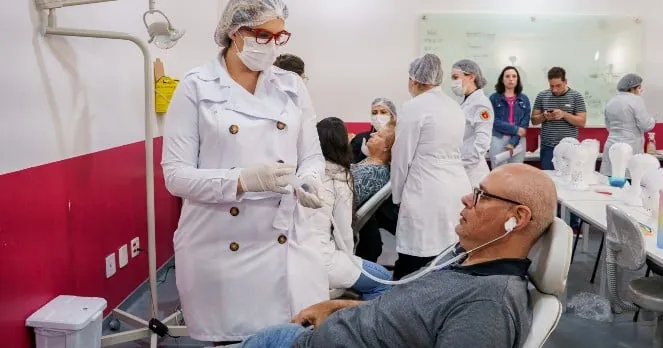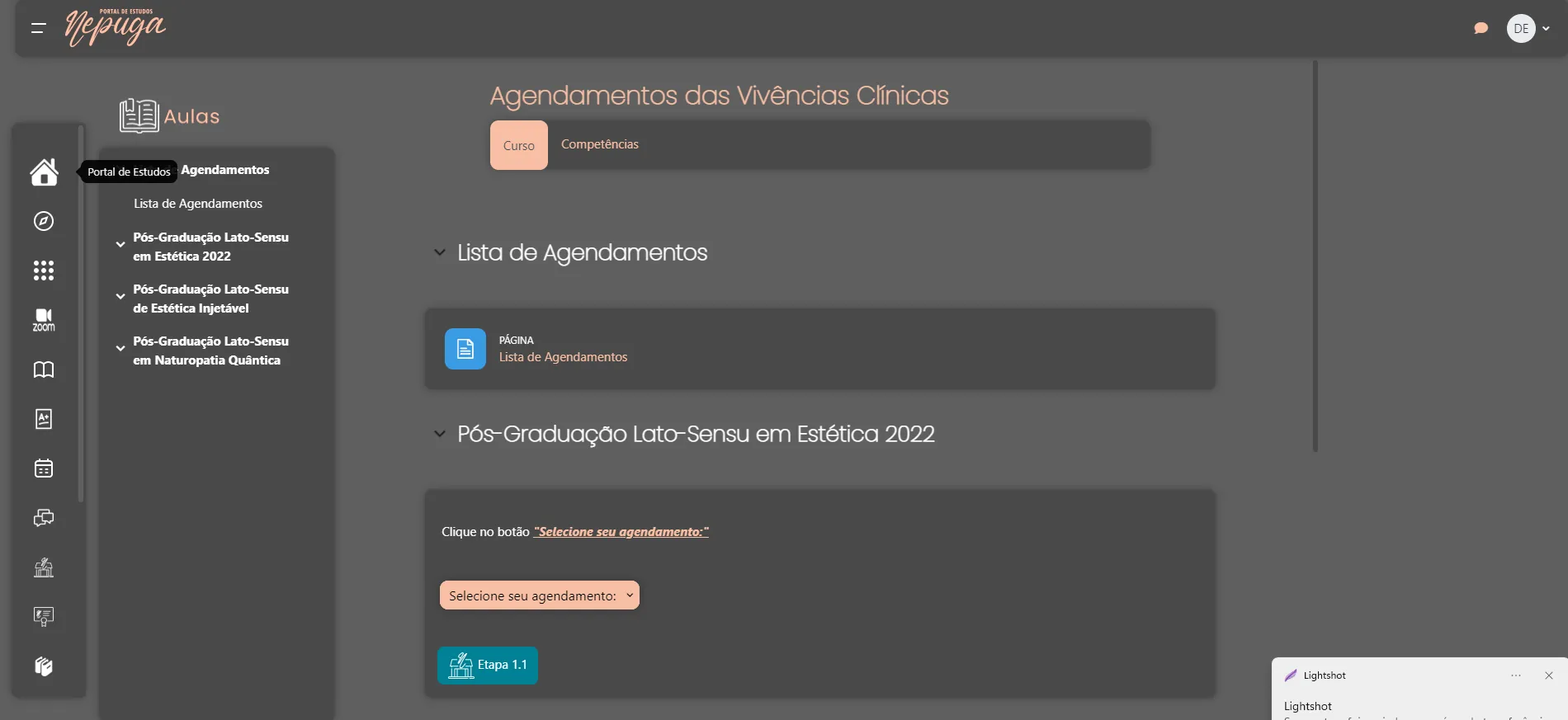
This Friday, December 2, Nepuga rolled out changes to its clinical immersion scheduling system.
As a learning platform, we are always working to meet student needs, so that navigating and taking actions within the Study Portal becomes more and more intuitive and makes the postgraduate student's academic journey easier.
In this week's update, we changed the buttons for canceling practical sessions at the campuses.
To avoid any confusion for our users, we placed the button to cancel your scheduled hands-on class date on the right side. When you click the button, a screen will appear asking you to confirm the cancellation, so you can be sure you want to cancel the appointment.
After that, you will see a cancellation confirmation screen and you will be able to schedule again by choosing a date when you can attend at the campus. That is how you schedule or cancel Clinical Immersions.
Remember that your cancellation must be made at least 5 days before your hands-on class; if you need to cancel, don't leave it until the last minute.
Learn more:
Institutional|NewsIrving Malaguti
NEPUGA content team — Núcleo de Especializações Ana Carolina Puga.